
Photo to painting
Turn a photo into a painting for your wall
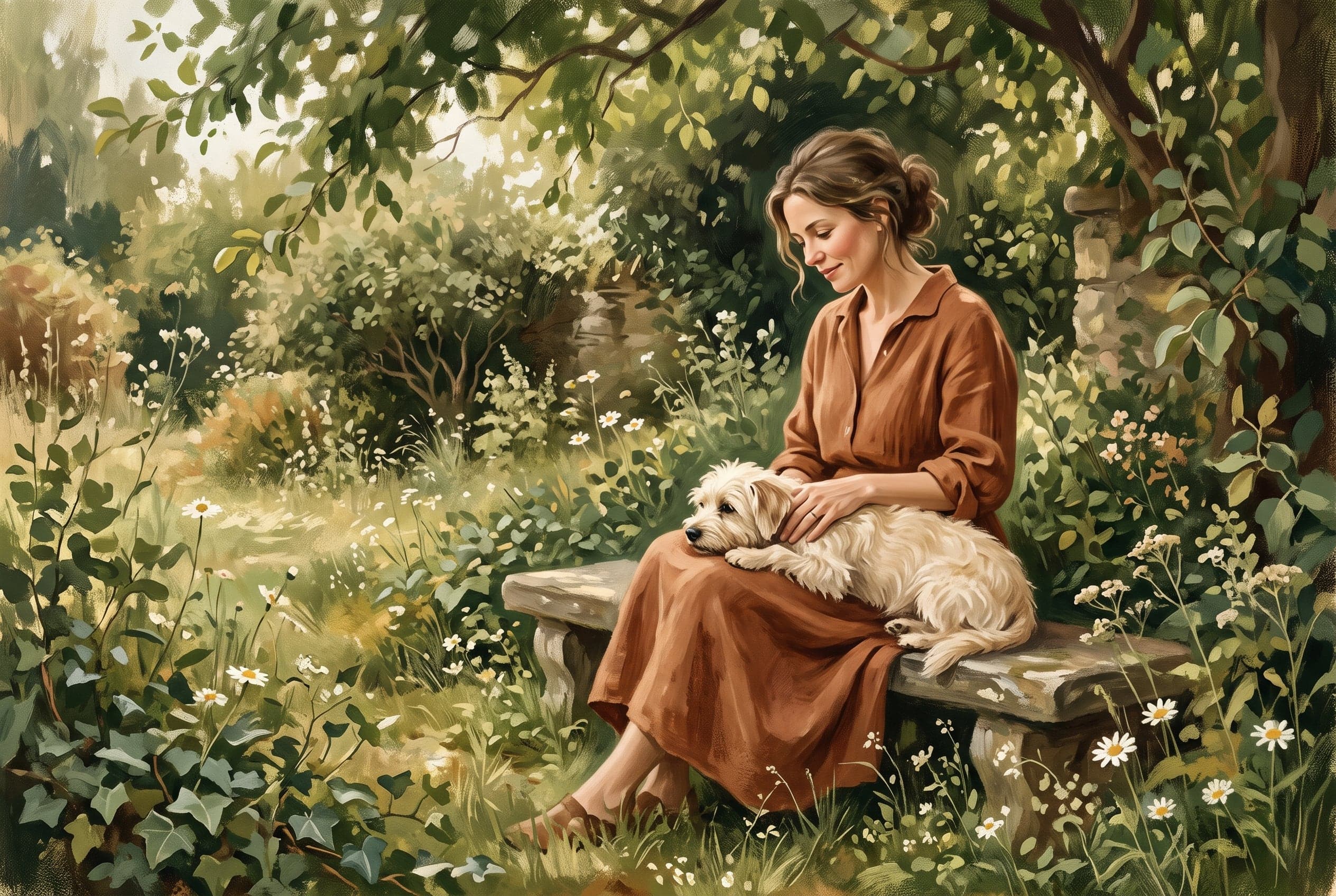
Turn a photo of someone you love, a pet, or a favorite place into artwork for your home or a personal gift. Choose a poster or canvas, with or without a frame, after reviewing the artwork.
Choose your print
| Starting price | |
|---|---|
| Canvas (without an outer frame) | $25.95 |
| Framed canvas | $98.95 |
| Poster (unframed) | $15.95 |
| Framed poster | $38.95 |
Catalog starting prices are estimates; checkout shows current prices. Choose your print and available size after reviewing the artwork.
From photo to print
Upload one photo of a person, pet or place. Describe the look and details you want to keep in 10 to 500 characters, then choose a square, portrait or landscape shape.
Review the artwork and change your description or regenerate if you want to try again. Once you confirm the artwork, choose a print format, an available size and options, then check the mockup before ordering.
CanvasGenie creates an AI interpretation of your reference. Faces, markings, buildings and other details can change. It is not an unchanged photo print or a painting commissioned from a human artist.
What to expect from a photo
A reference, not a filter
The artwork interprets your photo and may change faces, markings or other details.
Describe your look
Name the colors, setting and artistic treatment in your description. A stronger style can change details of the reference.
Review before ordering
Check the generated artwork and print mockup before placing an order.
Give a favorite photo a new look
A family photo can become a portrait for the living room; a favorite place can make a thoughtful gift. Request a painted look, a bold graphic treatment or a comic-book style in your description.
For a portrait of a person with a pet, start with a photo of them together. Ask for the artwork to preserve both recognizable subjects, their number and their pose. You can request a playful backdrop, but review the result because details can change.
Questions about photo portraits
JPEG, PNG, WebP, HEIC, and HEIF can be prepared for upload. HEIC and HEIF conversion can depend on your browser or a fallback.
The model paints from your photo and aims to keep faces, fur, and markings recognisable. It can change details, so differences from the photo are part of the result.
You can regenerate the artwork or change your description before choosing an image for a print.
The short edge must be at least 512 pixels. Photos below 1024 pixels on the short edge show a quality warning.
Review the artwork before choosing a print
Compare the generated image with your photo, then check the print mockup before placing an order.